
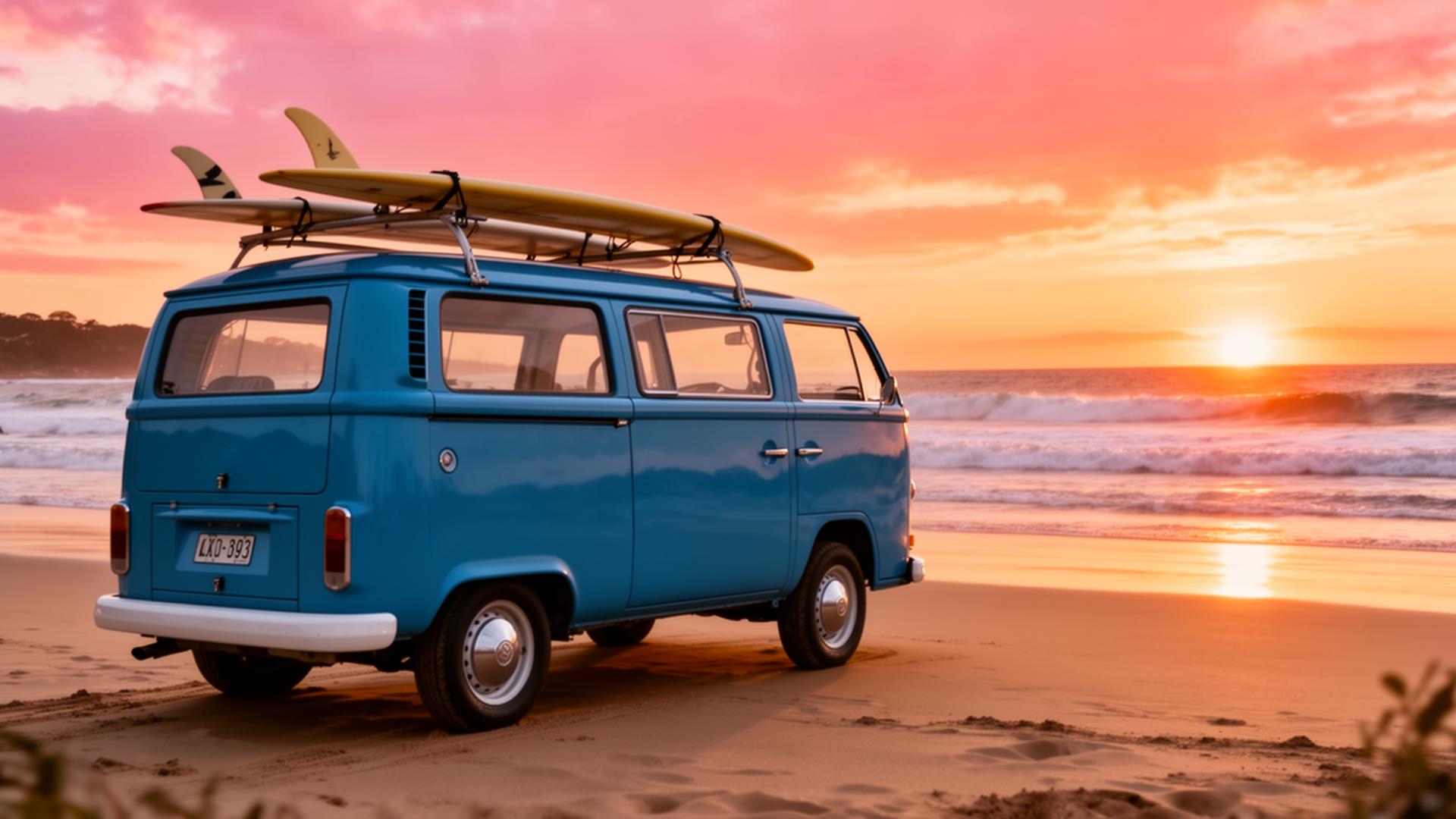
Trip Tracka's route planner lets you save locations, map your route, organise waypoints, record distances and keep travel notes connected to the trip you're planning — for any vehicle, anywhere in the world.
What you get with the route planner
Add as many waypoints as you need and reorder freely.
Drop pins for campsites, fuel stops, food and scenic stops.
Distance × economy = honest fuel estimates.
Attach notes and dates to every stop on the route.
Plan a route with friends and split costs in-app.
Route + budget + expenses live in one trip.
See it in action
Real screens from inside Trip Tracka — with sample data so you can see the layout at a glance.
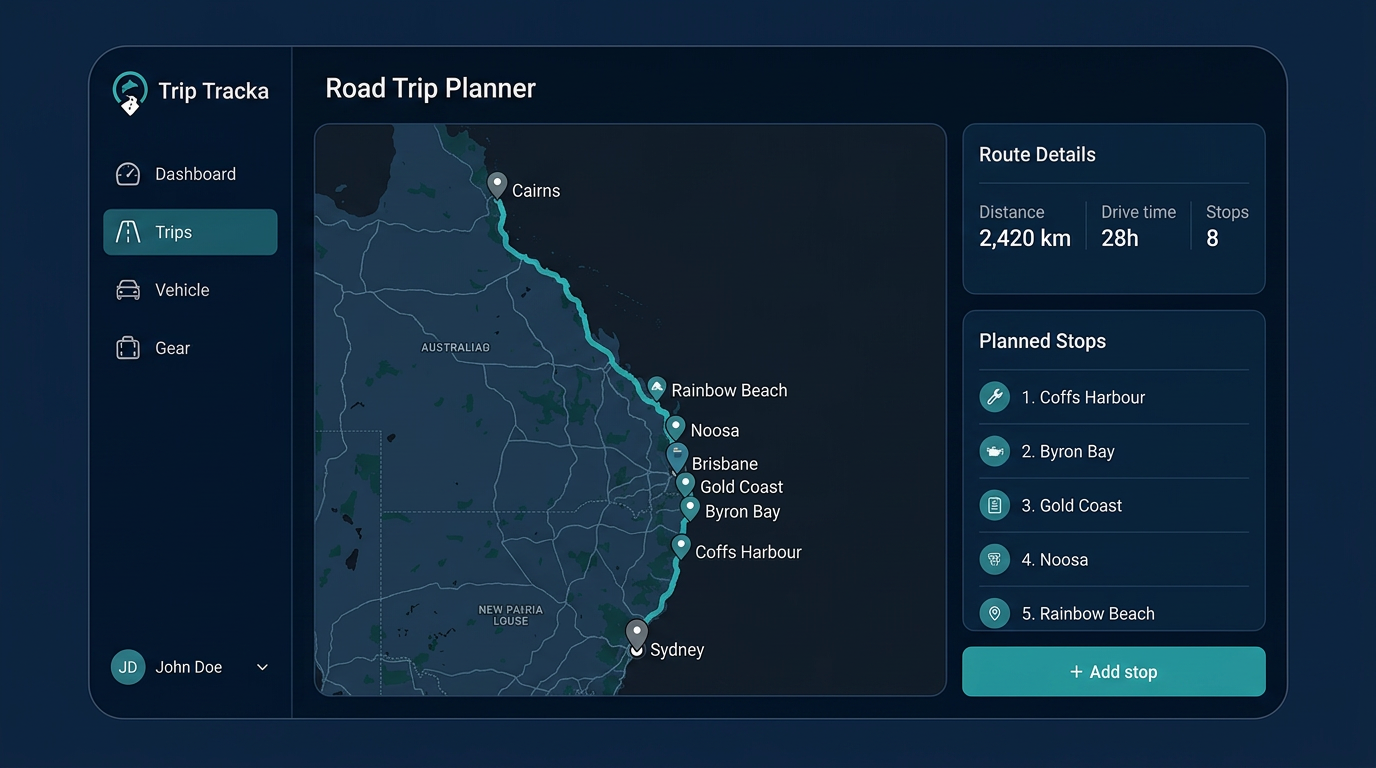
A route planner that stops at 'turn-by-turn directions' isn't enough for a real trip. Trip Tracka treats your route as one part of the trip, with stops, notes, photos, budget and expenses all attached.
Drop waypoints, reorder them with a drag, save the campsites and fuel stops you want to use, and let Trip Tracka calculate per-leg distance and fuel based on your vehicle.
Share the route with friends, or save the whole trip privately as part of your travel history.
- Multi-waypoint route planning
- Saved-place pins worldwide
- Per-leg distance and fuel
- Notes, photos and dates per stop
- Shared routes for group trips
- Linked to budgets and expenses
Frequently asked questions
How is the route planner different from Google Maps?+
Google Maps gets you from A to B. Trip Tracka saves the whole route as part of a trip, with stops, notes, photos, budget and expenses attached.
Can I reorder stops?+
Yes — drag stops to reorder, insert mid-route stops and the route recalculates.
Does it estimate fuel and time per leg?+
Yes. Trip Tracka uses Google Maps for distance and your vehicle's economy for fuel.
Can I share a route plan with someone else?+
Yes. Share trips with friends, or send a public link of your plan.
Explore Trip Tracka
Start planning your next trip
Free to start. No credit card needed.