
Best Itinerary Collaboration Tools for Road Trips
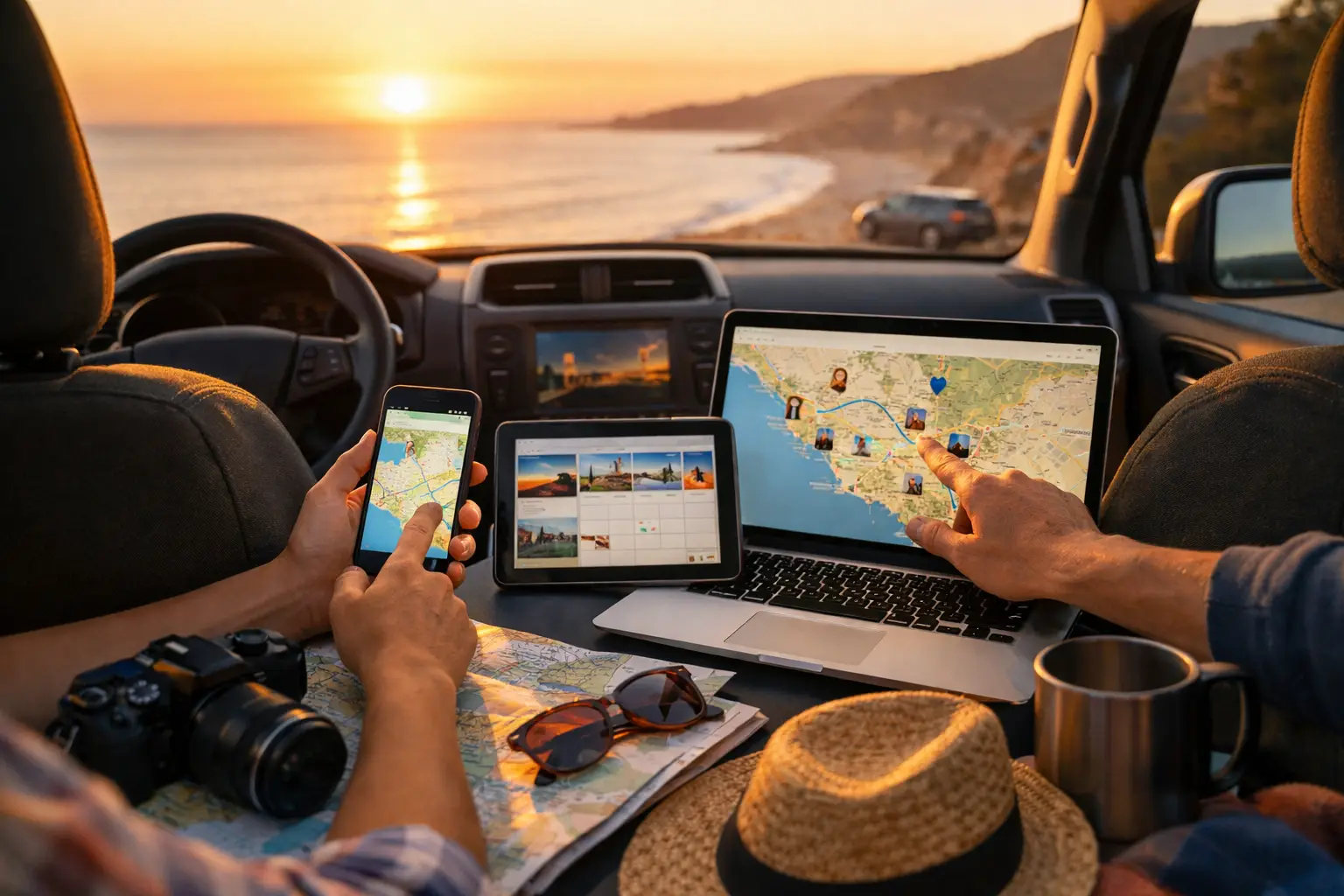
Quick answer: The best itinerary collaboration tools let everyone see the current route, stops, bookings, costs and changes without chasing screenshots through a group chat. For simple shared maps, Google Maps works well. For detailed group road trips with budgets, fuel, vehicle records and trip chat, a travel-specific platform is the better fit.
A group trip can unravel before the first fuel stop. One person has the route in a maps app, another holds booking emails, someone else tracks shared costs in a spreadsheet, and the latest plan is buried under 84 messages. The best itinerary collaboration tools bring those moving parts into a shared view, so the whole crew can make decisions from the same plan.
That matters most on a caravan loop, a multi-vehicle 4WD trip, a campervan holiday or any journey crossing long distances. A useful tool does more than show pins on a map. It needs to answer practical questions: Where are we sleeping tonight? Has the ferry been booked? What has the group spent on fuel? Is the next service due before we head into the High Country?
What makes a good shared itinerary tool?
A shared itinerary is only useful when people can act on it. Look for live editing, clear trip permissions and a mobile-friendly layout that is easy to check from a campsite or passenger seat. The best platforms also keep stops, dates, notes and reservations together rather than spreading them across separate tabs.
For road travellers, cost visibility is the difference between a nice-looking itinerary and a workable travel plan. Fuel, food, campsites, activities, tolls and unexpected repairs all affect the trip. If your group is travelling in more than one vehicle, vehicle-specific costs and maintenance reminders become even more relevant.
There is a trade-off. General productivity tools offer flexibility, while travel apps often provide better route and booking context. The right choice depends on whether you are organising a long weekend with mates or managing a six-month lap with a caravan, dog, gear list and tight fuel budget.
The best itinerary collaboration tools compared
1. Trip Tracka for operational road-trip planning
Trip Tracka is designed for travellers who need control over more than the route. It combines trip planning, shared travel records, budgets, expense tracking, community chat, vehicle servicing and gear details in one dashboard. That makes it particularly useful for caravanners, overlanders, full-time travellers and families who want a proper record of how a trip ran, not just a list of places they hoped to visit.
A group can organise stops and bookings while tracking spend as it happens. Fuel entries can contribute to a clearer picture of cost per kilometre, while maintenance schedules and spare-parts records stay connected to the vehicle doing the travel. Instead of asking who paid for the powered site or whether the ute was serviced before departure, the relevant information has a home.
It may be more detail than a couple needs for a city break. But for extended road travel, that depth replaces the spreadsheet, fuel log, booking folder and scattered group messages that usually build up along the way.
Want to track your own trip costs without spreadsheets? Create a free Trip Tracka account and start tracking fuel, food, accommodation, maintenance, budgets and trip expenses in one place.
Start Tracking Free
2. Wanderlog for visual multi-stop routes
Wanderlog is a strong option for groups that want to map out a sightseeing-heavy itinerary. It is useful for placing attractions, accommodation, restaurants and day-by-day activities into a visual plan, then sharing it with fellow travellers. For a family holiday or friends planning a coastal drive, that visual structure can make the route easier to understand at a glance.
Its strength is itinerary presentation. Its limitation for serious road travellers is the operational layer: vehicle servicing, fuel economy and detailed travel records are outside its main purpose. It suits people deciding where to go, rather than people managing every cost and responsibility of getting there.
3. Google Maps for shared locations and quick changes
Google Maps remains the familiar choice for saving places and sharing lists. It is fast, most people already have it on their mobile, and it works well when the group wants a shared collection of cafés, trailheads, lookouts, campgrounds or fuel stops.
However, a saved-place list is not a full itinerary. It does not manage reservations, assign responsibilities, track spending or preserve the discussion behind a plan change. Use it as a mapping companion when your main planning system needs location detail, rather than expecting it to run the entire trip.
4. Notion for highly customised trip planning
Notion appeals to travellers who enjoy building their own system. A group can create databases for bookings, packing lists, costs, travel days and useful contacts, then tailor views for each traveller. It is capable of handling complex information if someone in the group is prepared to set it up and maintain it.
That is also the catch. A flexible workspace can become another project before the trip begins. It does not inherently understand routes, fuel usage, vehicle maintenance or campsite logistics. For meticulous planners it can work well, but it asks users to build the travel workflow themselves.
5. WhatsApp for fast group communication
WhatsApp is not an itinerary tool, but it is often the place where group plans actually change. It is useful for quick updates such as a late arrival, a closed road or a meeting point. Most travelling groups will keep using it because it is immediate and familiar.
The problem is retrieval. Booking numbers, address changes, payment splits and revised departure times disappear quickly in a busy thread. Keep chat for conversation, but store the itinerary and financial record somewhere structured enough to survive a week without mobile reception.
Choose based on the journey, not the feature list
For a short trip with a few friends, a shared Google Maps list and chat thread may be enough. If the focus is museums, restaurants and accommodation, Wanderlog's visual itinerary approach can be a better match. If your group already lives in custom databases, Notion gives you room to shape the plan around your habits.
Longer road trips need a different standard. When you are watching fuel consumption, managing a caravan or camper, splitting costs, recording vehicle work and coordinating multiple people, disconnected apps create gaps. The more complicated the journey, the more valuable one shared source of truth becomes.
Set rules before anyone adds a stop
Collaboration works best when the group agrees on a few basics. Decide who can edit the route, where confirmed bookings are recorded, how shared costs are entered and what counts as a final decision. This prevents a saved pin from being mistaken for a booked campsite, or an idea in chat from becoming an assumed plan.
Also record the practical details beside each stop: arrival window, booking reference, check-in notes, access conditions, fuel availability and any vehicle restrictions. A low-clearance access road is not a minor detail when someone is towing a caravan.
A better workflow for collaborative travel
Start with the broad route and the non-negotiables: travel dates, major stops, booked accommodation and border or ferry commitments. Then add flexible overnight options, fuel points and activities. Give each traveller a clear responsibility, such as accommodation, food budget, vehicle preparation or daily expense entry.
During the trip, update the plan from what actually happens. Record fuel when it is purchased, add expenses while the receipt is still in hand, and note changes to bookings or road conditions immediately. This is how a trip plan becomes useful travel history instead of a forgotten pre-departure document.
Ready to replace scattered maps, messages and spreadsheets with one travel command centre? Set up your next route, budget and shared records in Trip Tracka.
Start Tracking Free
The right tool should leave your group spending less time asking for the latest version of the plan and more time choosing the next worthwhile turn-off.
---
By Craig Watts, founder of Trip Tracka Built by travellers, for travellers — Trip Tracka helps you plan better trips, track costs, organise gear, save stops and keep your travel records in one place.
Built while travelling full-time to help travellers plan trips, track expenses, manage budgets, record fuel, store gear details and keep travel records without spreadsheets.