
Road Trip Planning Google Maps Tips That Work
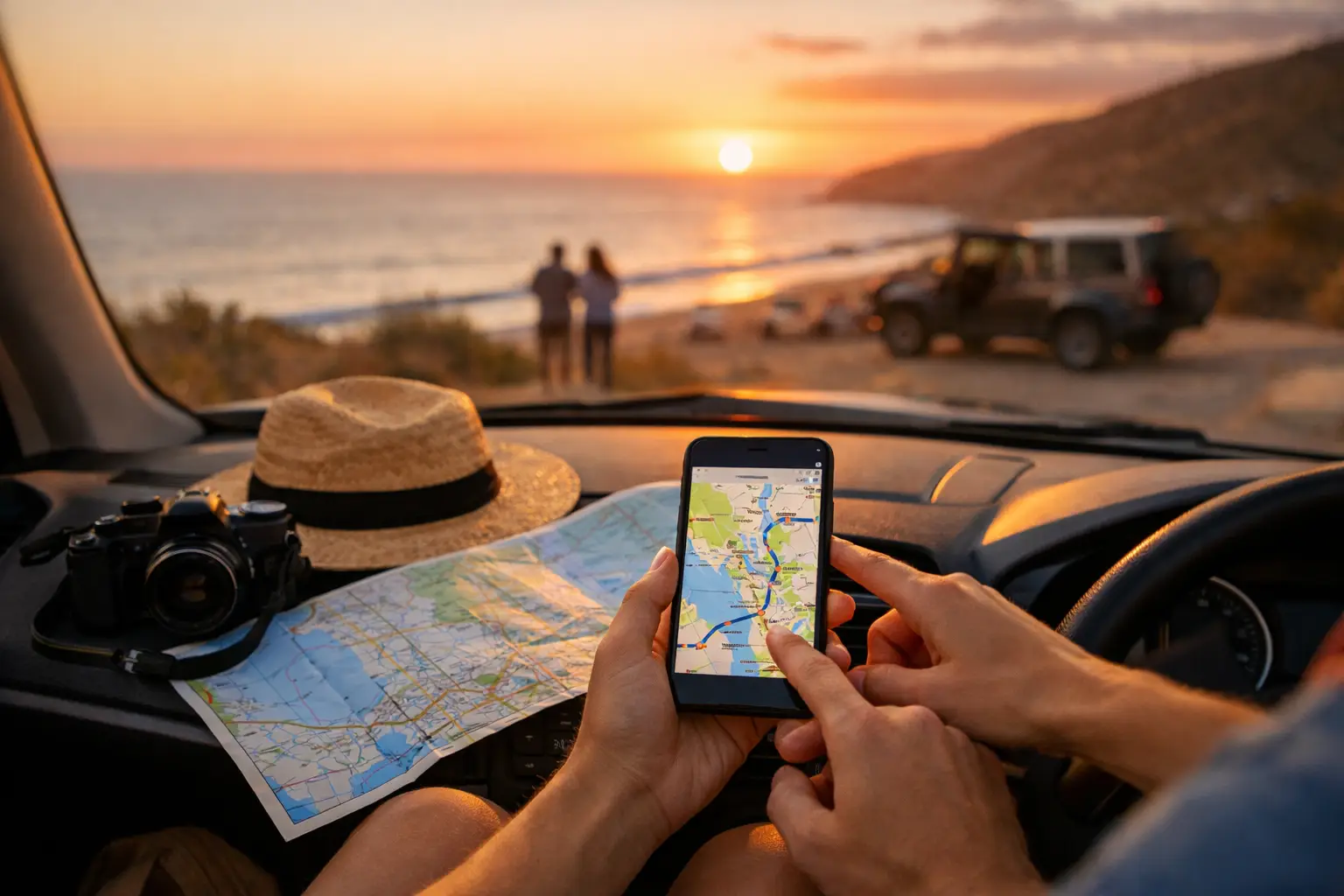
> Quick answer: Road trip planning Google Maps is excellent for plotting routes, saving places and checking drive times, but it is not a complete road trip system. It helps you map where to go, not fully manage what the trip will cost, how your vehicle is tracking, or how to keep everything organised across longer journeys. > > You can build a decent trip in Google Maps in ten minutes. You can save a bakery in Ballarat, a camp near Jindabyne, and a servo outside Ceduna, then feel like the trip is sorted. Then the real-world stuff starts. Fuel prices shift, bookings change, someone forgets the rego renewal date, and your carefully saved pins turn into a messy stack of ideas with no budget attached. > > That is the core issue with road trip planning Google Maps. It is strong at navigation and weak at trip operations. If you are doing a casual weekend away, that may be enough. If you are planning a longer drive in a campervan, caravan, 4WD or family car, you usually need more control than a map alone can give you. > > ## Where Google Maps helps with road trip planning > > Google Maps earns its place because it is fast, familiar and very good at one thing: getting you from A to B while showing useful context along the way. You can search attractions, compare route options, estimate drive time, save places to lists and get a rough sense of how ambitious your itinerary is. > > For early planning, that is genuinely useful. You can test whether a Great Ocean Road detour makes sense, see if an inland route is quicker than the coast, and check how far your overnight stop is from fuel and food. If you are travelling with a partner or group, shared lists can also help everyone throw in ideas without sending forty screenshots into a group chat. > > It is also handy for visual sequencing. When your stops appear on a map, weak planning becomes obvious very quickly. You spot the backtracking, the overcooked driving days and the places that looked close until you noticed they were six hours apart. > > ## Where road trip planning Google Maps starts to fall apart > > The trouble is that trips do not run on pins alone. They run on fuel, money, bookings, maintenance, food, timing and communication. Google Maps can point you to a campground, but it does not tell you how that stop affects your daily budget, your fuel burn, or whether your next service will land halfway through the trip. > > This matters more as the trip gets longer or more complex. A solo city break is one thing. A three-week loop with kids, towing gear, patchy reception and a vehicle already due for tyres is something else. > > The main gaps show up in five areas. First, budgeting. Google Maps does not give you a live trip budget that includes fuel, accommodation, food, park fees and those unplanned stops that always happen. Second, vehicle records. It cannot track servicing, spare parts, tyre changes or reminders tied to kilometres travelled. Third, trip expenses. You cannot easily log what you spent by category and compare it against what you expected. Fourth, collaboration. Shared planning in maps is basic, but it does not replace a proper trip dashboard. Fifth, travel history. Once the trip is done, your route and costs are not neatly packaged as a useful record. > > That is why many travellers start with Maps and then end up juggling notes apps, spreadsheets, booking emails, fuel receipts and maintenance reminders. It works, but only if you enjoy admin on the road. > > If you want to track your own trip costs without spreadsheets, create a free Trip Tracka account and start tracking fuel, food, accommodation, maintenance, create budgets and trip expenses in one place. Start Tracking Free > > ## How to use Google Maps properly for road trip planning > > The smartest approach is not to treat Google Maps like an all-in-one tool. Use it for what it does well, then pair it with a proper system for the rest. > > Start with route shaping. Build the broad path first, not the minute-by-minute itinerary. Pick your anchor stops - the towns, campgrounds, national parks or family stays that define the trip. Then use Google Maps to test the drive times between them. This gives you a realistic skeleton before you start getting distracted by every pie shop and lookout. > > Next, save only places that matter. One common mistake is over-pinning. If every café, beach and public toilet becomes a saved place, the map stops being useful. Keep your planning map focused on overnight stops, key fuel points, major attractions and practical services. > > Then pressure-test the route. Look at long driving days, fuel availability, rest days and alternatives if weather or road closures change your plan. Google Maps can help you estimate this, but you still need to make judgement calls. A six-hour day in a hatchback on sealed roads is not the same as a six-hour day towing a van through remote country. > > Finally, move the trip out of map-only mode. Once the route is roughly right, you need to attach costs, bookings and vehicle considerations to it. That is the step many travellers skip, and it is usually where the budget blows out. > > ## The difference between navigation and actual trip management > > This is the distinction that saves headaches. Navigation answers, Where am I going and how do I get there? Trip management answers, Can I afford this route, is the vehicle ready, what have I already spent, and what still needs attention? > > If you are planning a multi-day or multi-week journey, those questions matter just as much as the route itself. A map will not warn you that your fuel cost per kilometre is creeping up, or that your accommodation spending is already smashing the budget halfway through the trip. It will not show you that your last service was 9,000 km ago and this loop is another 3,500 km. > > For practical travellers, that gap is not a small one. It is the difference between feeling in control and constantly patching things together from receipts and memory. > > ## A better workflow than pins, screenshots and spreadsheets > > A cleaner workflow looks like this: use Google Maps to explore and validate the route, then shift the trip into a platform built for road travel logistics. That is where you can build a budget before departure, log expenses as you go, watch category totals move in real time, and keep your vehicle records tied to the trip itself. > > That setup is especially useful for caravanners, overlanders, van travellers and families doing bigger distances. These travellers are not just choosing a route. They are managing fuel economy, accommodation mix, maintenance timing, food spend and shared decision-making over days or weeks. > > It also helps after the trip. When your route, costs and vehicle history sit in one record, the next trip becomes easier to plan. You stop guessing. You know what a similar loop actually cost, where the money went, and what the vehicle needed afterwards. > > Want to track your own trip costs without spreadsheets? Create a free Trip Tracka account and start tracking fuel, food, accommodation, maintenance, create budgets and trip expenses in one place. Start Tracking Free > > ## Is Google Maps enough for your kind of trip? > > It depends on the trip. > > For a simple overnight drive or a loose weekend escape, Google Maps may be enough. You probably do not need a detailed system if the costs are low, the route is short and the vehicle is already sorted. > > For longer regional runs, interstate holidays, camping loops or anything involving a caravan, 4WD, van or multiple travellers, Google Maps is usually just one piece. The more moving parts you have, the less effective map-only planning becomes. > > A good rule is this: if the trip has enough complexity that you care about the budget, fuel pattern, servicing schedule, bookings and shared planning, then you need more than a navigation app. > > ## The practical takeaway on road trip planning Google Maps > > Road trip planning Google Maps is worth using because it is quick, visual and reliable for route building. But it is not built to be your trip budget, your vehicle logbook, your expense tracker or your travel command centre. Treating it like one usually creates more admin, not less. > > The better move is to let Google Maps do the map work, then run the rest of the trip with tools built for actual road travel management. That is how you go from a hopeful pile of saved pins to a trip that is properly costed, organised and easier to enjoy once the wheels are turning. > > The best road trips still have room for detours and surprises. They just work better when the important details are already handled. > > By Craig Watts, founder of Trip Tracka > Built by travellers, for travellers - Trip Tracka helps you plan better trips, track costs, organise gear, save stops and keep your travel records in one place.