
How to Share Road Trip Plans Without Group Chat Chaos
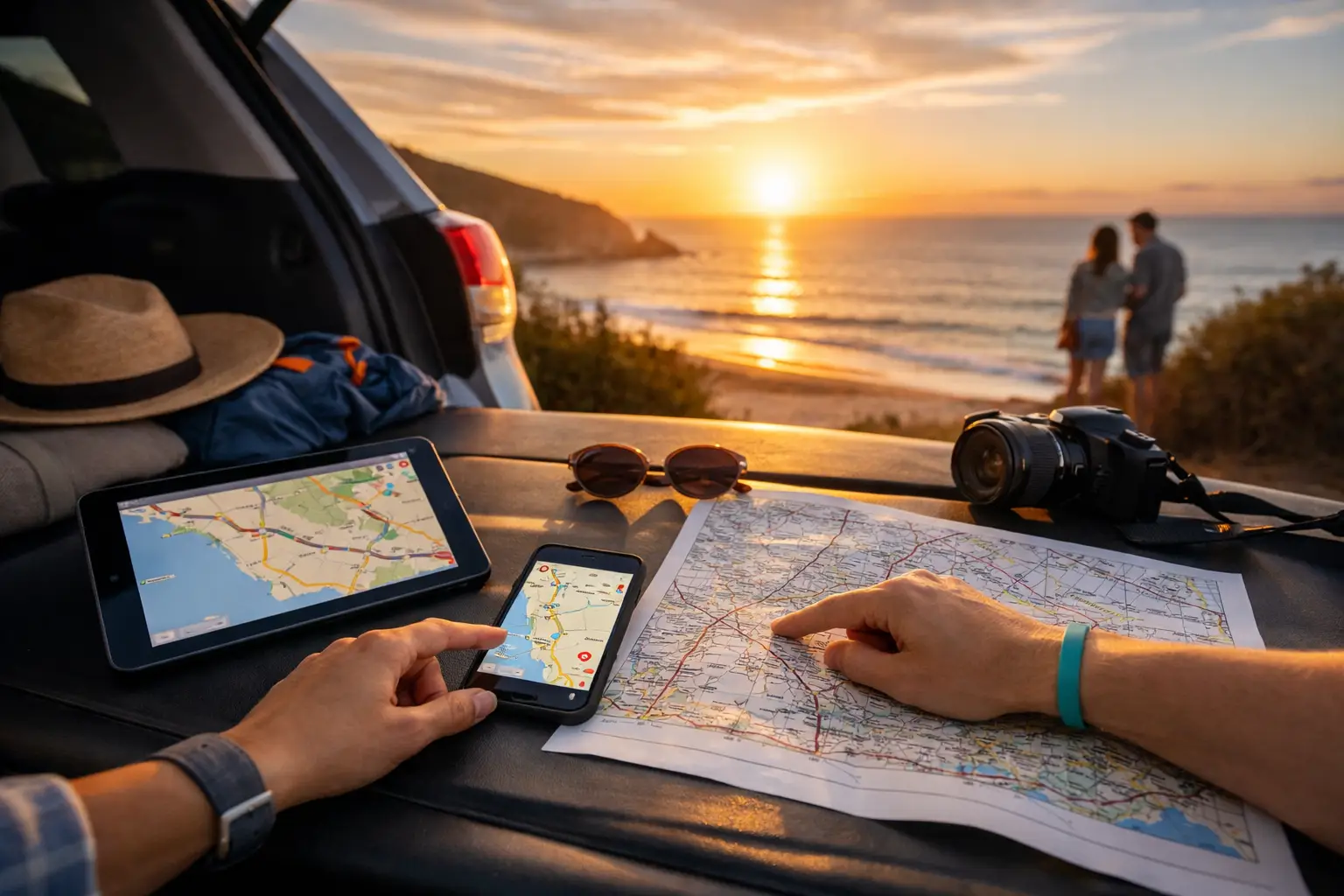
> Quick answer: To share road trip plans properly, put the route, overnight stops, bookings, budget, vehicle details and daily updates in one shared trip space. Give each traveller clear access, agree on who updates what, and use group chat only for quick decisions rather than as the permanent record. > > The plan for a two-week lap can fall apart before anyone turns the key. One person has the route saved in maps, another has booking emails buried in their inbox, fuel costs sit in a spreadsheet no one opens, and the group chat is already 200 messages deep. When somebody asks, “Where are we staying Thursday night?”, everyone starts searching. > > Knowing how to share road trip plans is less about sending a nice-looking itinerary and more about giving every traveller the same working version of the trip. That matters whether you are taking the family away for a long weekend, travelling in convoy with mates, or crossing the country in a campervan. > > ## Start with one shared source of truth > > A shared road trip plan needs a home that is easy to update from a mobile, not just a document that looked good when it was first sent. Your central plan should show the route, dates, stops, accommodation or campsites, activities, bookings, budget and key vehicle information. > > The point is not to over-plan every kilometre. A good road trip still leaves room for a detour to a swimming hole, an extra night at a quiet free camp, or a weather-driven change of route. But the non-negotiables should be visible to everyone: where the group is heading, when it needs to arrive, what has been paid for, and what needs attention before departure. > > For a multi-vehicle trip, add rendezvous points rather than expecting every car to follow the exact same pace. A fuel stop at the next town, a lunch stop at a defined roadhouse, and the night’s camp are more useful shared markers than a stream of “where are you?” messages. > > ## How to share road trip plans in a way people use > > The best plan is the one your group will actually check. Keep the main view simple enough to scan on the move, then keep supporting details attached to the relevant stop or expense category. > > ### Share the route in daily sections > > Breaking the trip into days gives people context. Instead of showing a single line from Melbourne to Uluru, show Day 1, Day 2 and so on, with the intended distance, key stops and overnight location. This makes long driving days obvious before they become a problem. > > Include realistic travel time, not just map time. Towing a caravan, travelling with kids, driving corrugated tracks or stopping for scenic walks all change the day. On remote routes, identify fuel availability and distances between reliable services. A plan that says 700 km is manageable is not much help if the next fuel is 850 km away. > > ### Put bookings where the stop appears > > Accommodation confirmations, ferry times, national park permits and tour bookings should sit alongside the date and stop they relate to. That gives every traveller the practical details without forcing one person to forward emails repeatedly. > > Record cancellation conditions and check-in details as well. If a late arrival is likely after a long drive, the group can make a decision early instead of discovering a reception closes at 5 pm while still two hours away. > > ### Make costs visible before and during the trip > > Road trip budgets are often shared in theory and confusing in practice. Decide before leaving whether costs are split equally, paid by household, or handled separately. Then track expenses by useful categories such as fuel, food, camps, attractions, repairs and supplies. > > This is especially valuable when vehicles differ. A diesel 4WD towing a camper and a small SUV will not have the same fuel use or per-kilometre cost. Shared visibility avoids awkward conversations at the end of the trip, while still letting each traveller see their own spending. > > > Ready to replace scattered notes and spreadsheet tabs? Create a free Trip Tracka account and start tracking fuel, food, accommodation, maintenance, budgets and trip expenses in one place. Start Tracking Free > > ## Give people roles, not just access > > Sharing a plan does not mean every traveller should edit every field. Too many editors can create duplicate stops, accidental changes and confusion about which booking is current. A simple division of responsibility works better. > > One person can own the route and overnight stops, another can record shared expenses, and the vehicle owner can manage servicing, tyre checks and fuel records. On a family trip, the person who books accommodation may also keep confirmation details up to date. Everyone else still has visibility and can flag a conflict, suggest a stop or add an idea. > > For a convoy, nominate a trip lead for major route changes, but avoid making them the bottleneck for every small decision. Tell the group what must be approved by the lead, such as changing an overnight location or leaving a remote track, and what can be handled independently, such as choosing a coffee stop. > > ## Keep chat for conversation, not record keeping > > Group chat has a role on the road. It is useful for “we are 15 minutes behind”, a photo of a closed road sign, or deciding whether everyone wants fish and chips tonight. It is poor storage for confirmed plans. > > When a decision changes the trip, update the shared plan straight away. Otherwise, one message says the campsite has changed, another says the original booking still stands, and someone arrives at the wrong place after dark. The same rule applies to costs: add an expense when it happens, not after three days of trying to remember which servo charged what. > > Set basic communication expectations before departure. Use the group chat for live updates. Put final dates, addresses, booking details and meeting points in the trip plan. If mobile coverage is patchy, make sure everyone has essential details available before heading into remote areas. > > ## Add vehicle readiness to the shared plan > > A road trip plan is incomplete if it ignores the vehicle getting everyone there. Before departure, share the maintenance jobs that affect the journey: service due dates, tyre condition, spare tyre checks, recovery gear, fluids, towing equipment and any known faults. > > This is not about turning every passenger into a mechanic. It is about making sensible decisions with the full picture. If a service is due midway through a 6,000 km journey, plan it. If the caravan brakes need adjustment before leaving, record the job rather than assuming somebody will remember. > > For longer travel, fuel records can reveal a change in consumption that may point to a mechanical issue, heavy headwinds, overloaded gear or simply a more demanding route. That level of visibility is useful for travellers who want to understand what their trip really costs, not just what they spent at the bowser. > > ## Review the plan at natural checkpoints > > Do not wait until the trip is over to find out the plan no longer suits the group. Review the next few days whenever you have reception, arrive at camp, or stop for a longer break. Check the weather, road closures, driving distances, budget position and vehicle condition. > > A flexible plan is not a failed plan. Skipping a stop because the road is closed or extending a stay because everyone loves the place is part of road travel. The important part is making the change visible to the whole group quickly. > > Before heading home, save the final route, costs, favourite stops and maintenance work completed. Next time you plan a similar trip, you will have real figures for fuel use, campground spend and daily travel pace instead of relying on guesswork. > > > Want clear trip costs and a plan your whole crew can follow? Build your trip in Trip Tracka, keep expenses and vehicle records alongside your route, and give everyone a clearer view of the road ahead. Start Tracking Free > > A shared road trip plan should reduce questions, not create another admin job. Give the group one reliable place to check what is happening, then spend less time hunting through messages and more time deciding whether that side track is worth taking. > > By Craig Watts, founder of Trip Tracka > Built by travellers, for travellers - Trip Tracka helps you plan better trips, track costs, organise gear, save stops and keep your travel records in one place. > > Built while travelling full-time to help travellers plan trips, track expenses, manage budgets, record fuel, store gear details and keep travel records without spreadsheets.