How to Use a Road Trip Itinerary Builder
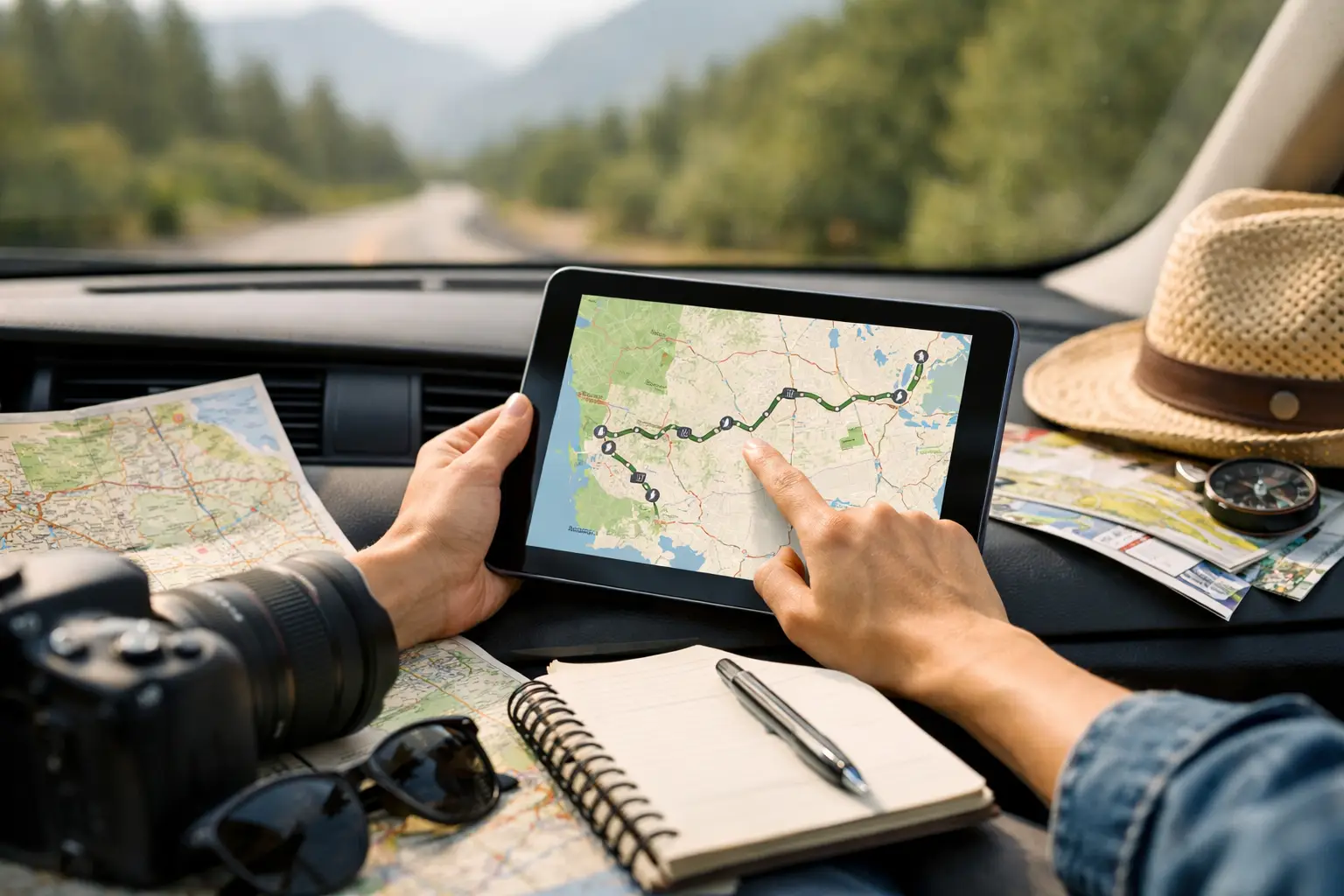
A good road trip usually starts falling apart in the same place - right after the route looks perfect on a map. Then the campground check-in times get buried in text messages, one person books a stop nobody else saw, fuel costs creep up, and the vehicle needs attention halfway through the trip. A road trip itinerary builder fixes that gap between planning the adventure and actually managing it on the road.
That matters whether you are heading out for a long weekend, running an RV across multiple states, organizing a caravan route, or planning a multi-person overland trip. The job is not just to plot points from A to B. The real job is to keep routes, bookings, costs, people, and vehicles connected so the trip stays flexible without turning chaotic.
What a road trip itinerary builder should actually do
A lot of tools claim to help with trip planning when they really only do one piece of the job. A map app gets you directions. A spreadsheet tracks costs if you keep updating it. A chat thread helps the group talk until the key details disappear under fifty messages. None of those tools is wrong. They are just incomplete.
A real road trip itinerary builder should bring the trip into one operating view. That means you can map the route, structure each stop, store booking details, see who is joining, track spending, and keep practical travel data accessible while the trip is moving. For many travelers, that last part is the difference between a pleasant plan and a usable one.
The best setup also reflects how road travel actually works. Stops change. Weather changes. Driving days run long. A good system is not rigid. It helps you reorganize quickly without losing the thread of the trip.
Start with the route, but do not stop there
Most travelers begin with distance, timing, and major destinations. That is still the right move. You need to know the backbone of the trip first - where you are starting, where you are ending, and what kind of pace makes sense for the people and vehicle involved.
But route planning alone can create false confidence. A six-hour drive on a map is not the same as a six-hour RV day with fuel stops, border crossings, food breaks, and a late arrival at camp. Solo backpackers, digital nomads, and families all move differently. So do caravans and groups traveling in separate vehicles.
That is why your itinerary builder should let you shape each day around real travel conditions, not just road mileage. A practical itinerary accounts for overnight stops, arrival windows, sightseeing time, road fatigue, and the simple reality that not every day should be packed to capacity.
Build your itinerary around decisions you will need later
The easiest way to use a road trip itinerary builder is to think beyond the planning phase. Ask one question at every stop: what will I need to know when I am tired, in transit, or offline mentally?
Usually, that includes address details, booking references, check-in instructions, budget notes, expected driving time, parking or access information, and anything vehicle-specific such as fuel availability or terrain concerns. If you are traveling with others, it also includes who is responsible for what.
This is where many generic itinerary tools miss the mark. They store destinations, but not operational detail. For serious road travelers, the trip needs context. A stop is not just a pin. It is a place tied to timing, logistics, cost, and coordination.
A road trip itinerary builder is even more valuable for groups
Group travel breaks down when information is scattered. One person has the route. Another has the accommodation confirmations. Somebody else has the cost split in a notes app. Nobody knows whether the vehicle service was done before departure.
A road trip itinerary builder gives the group one source of truth. That sounds simple, but it removes a surprising amount of friction. People can see the same schedule, the same stops, the same plan, and the same changes without chasing updates across different apps.
There is a trade-off, though. Shared planning works best when the trip has structure. If everyone can edit everything without any agreement, the itinerary turns messy fast. The smartest approach is collaborative input with clear control. Let the group contribute stops, ideas, and notes, but keep one trip lead or a small planning team responsible for final decisions.
That balance preserves flexibility without sacrificing direction.
Budget tracking should sit inside the itinerary
Road trips are full of small costs that become big totals. Fuel, tolls, campsites, snacks, maintenance, parking, ferries, propane, and unplanned overnight changes all add up faster than most people expect.
If your itinerary builder does not connect planning with spending, you are left guessing until the money is already gone. That is especially risky for long-haul travelers, grey nomads, digital nomads, and overlanders managing weeks or months on the road.
The useful setup is one where trip costs live alongside the route. That way you can compare expected costs with actual spending, assign expenses in group travel, and make decisions before the budget drifts too far. Maybe that means cutting one paid activity. Maybe it means extending a stay in a low-cost area and shortening time in a high-cost one. Either way, visibility beats cleanup.
Do not ignore the vehicle side of the plan
Road trip planning often treats the vehicle like a constant. It is not. The longer the trip, the more the vehicle becomes part of the itinerary itself.
An SUV, campervan, motorcycle, 4WD rig, or full RV all change what is realistic. Fuel range affects stop spacing. Weight affects route choice. Maintenance history affects risk tolerance. If you are traveling far from major service areas, even routine items like tires, battery health, and fluid checks matter.
That is why the best road trip planning systems do more than map the journey. They help you keep maintenance logs, service reminders, and vehicle records tied to the trip. Not every traveler needs that level of control for a two-day getaway. But for multi-state routes, remote travel, or repeated trips across the year, it stops being a nice extra and starts becoming part of trip management.
Discovery matters, but it should serve the route
One of the best parts of road travel is finding places you did not originally plan for. Scenic pull-offs, small-town food stops, campsites, hidden swimming spots, roadside landmarks, and community recommendations can turn a functional route into a memorable one.
Still, discovery is only useful when it fits the trip. A good itinerary builder should help you collect ideas without derailing the schedule. That means organizing pins and possible stops in a way that supports the route rather than cluttering it.
This is where traveler communities can be genuinely useful. Shared pins and destination notes add local insight that a standard map often misses. But there is a difference between inspiration and overload. The goal is not to save every interesting place. The goal is to build a route you can actually enjoy.
What to look for in a smarter planning setup
If you are choosing a road trip itinerary builder, look for one that combines route planning, stop organization, booking storage, group coordination, expense tracking, and vehicle management in one dashboard. No spreadsheets. No half a dozen apps. The more your trip data lives in one place, the easier it is to adjust when conditions change.
That all-in-one model is especially useful for travelers who plan often or travel for longer periods. Weekend road trippers benefit from speed and clarity. Full-time travelers benefit from continuity and record keeping. Group organizers benefit from visibility. The use case shifts, but the value stays the same.
Trip Tracka is built around that full travel lifecycle - planning together, managing the road in real time, and keeping the records afterward. For travelers who want freedom without losing operational control, that kind of structure solves a real problem.
The best itinerary is the one you can use at speed
A beautiful plan is not enough. The trip has to work when you are low on signal, running late, changing a stop, checking a booking, splitting fuel, or trying to remember whether the van was serviced before departure.
That is the real standard for a road trip itinerary builder. Not whether it looks organized on day one, but whether it keeps the trip organized on day nine when conditions change and decisions need to happen fast.
If your planning tool reduces friction, keeps your route visible, and gives you control over the moving parts, it is doing its job. The road will always throw a few surprises at you. Better planning does not remove that. It just gives you more room to enjoy the drive.